
Terrebonne Parish Court Calendars Explained
No single parish-wide daily search form covers every Terrebonne Parish court calendar. A date can surface in several places. It may appear in the Cott case docket or minute index. It may also show up on the civil calendar that Civil Records prints, through the assigned 32nd Judicial District Court division, or in a courthouse posting. The court’s scheduling FAQ says it plainly: all matters are scheduled by contacting the individual judge’s office. The clerk presents the file. The judge fixes the time and place. That local split makes a docket date a useful lead, but it never replaces confirmation from the assigned division.
Case type matters too. Civil Records prints the Civil Court calendar and pulls hearing and trial files. Criminal Processing dockets and calendars criminal minutes. Houma City Court runs its own calendar for city matters. Tie every Terrebonne Parish court calendar to its court and case number before relying on a date.
The 32nd JDC scheduling FAQ source lays out the local instructions for hearings, video conferences, cancellations, and resets.
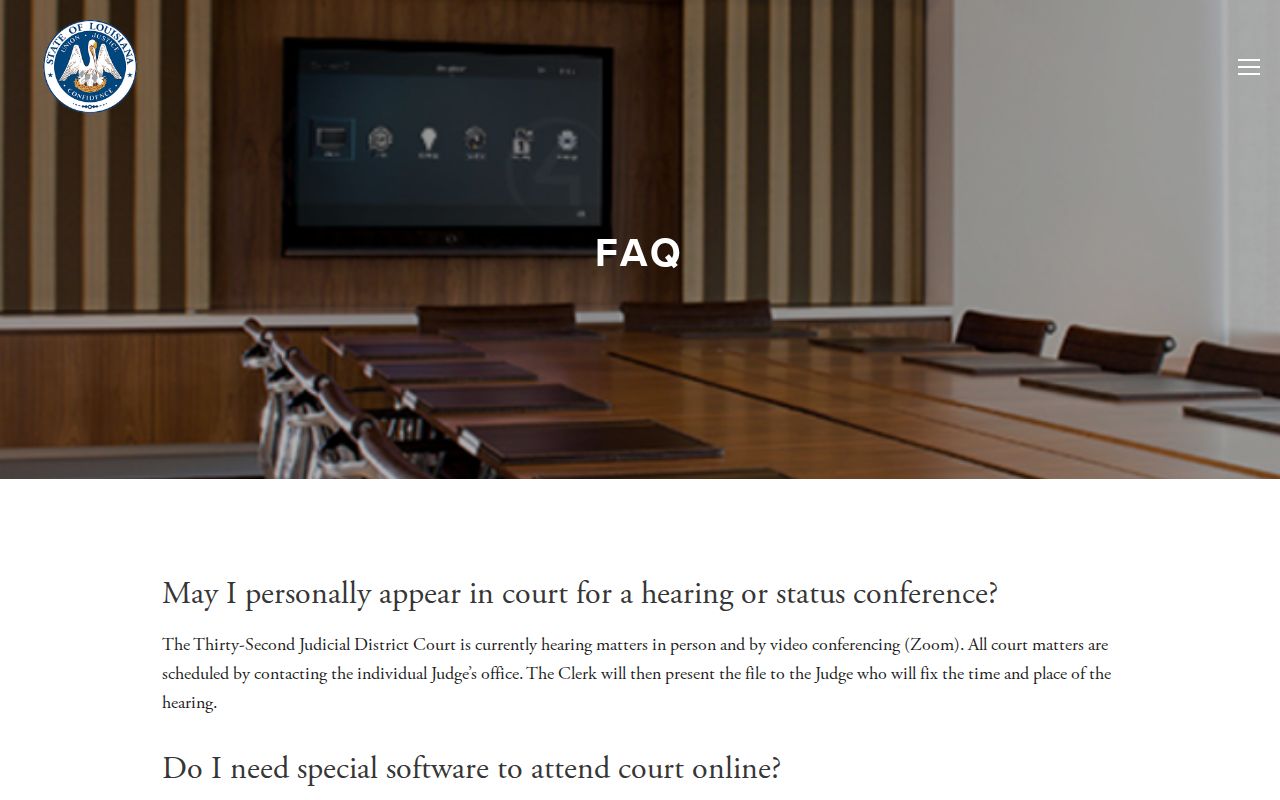
The court’s own scheduling instructions point the same way. Use the docket as a lead. Let the assigned division be the final confirmation of any Terrebonne Parish court date.
Terrebonne Parish Court Date Divisions
The 32nd JDC has five divisions, A through E. Each division has a judicial assistant. That assistant can confirm a hearing, motion, pretrial, or trial setting. The reported lines are A, 985-873-6540; B, 985-873-6550; C, 985-873-6560; D, 985-873-6570; and E, 985-873-6580. Call with the case number, caption, and division in hand. Ask whether the setting is current, passed, cancelled, or reset. The judicial administrator is 985-873-6589. That office handles documented administrative, public-record, and scheduling matters. The division still controls a particular Terrebonne Parish court date.
The Division B contact source shows the Chief Judge division’s court contact page.
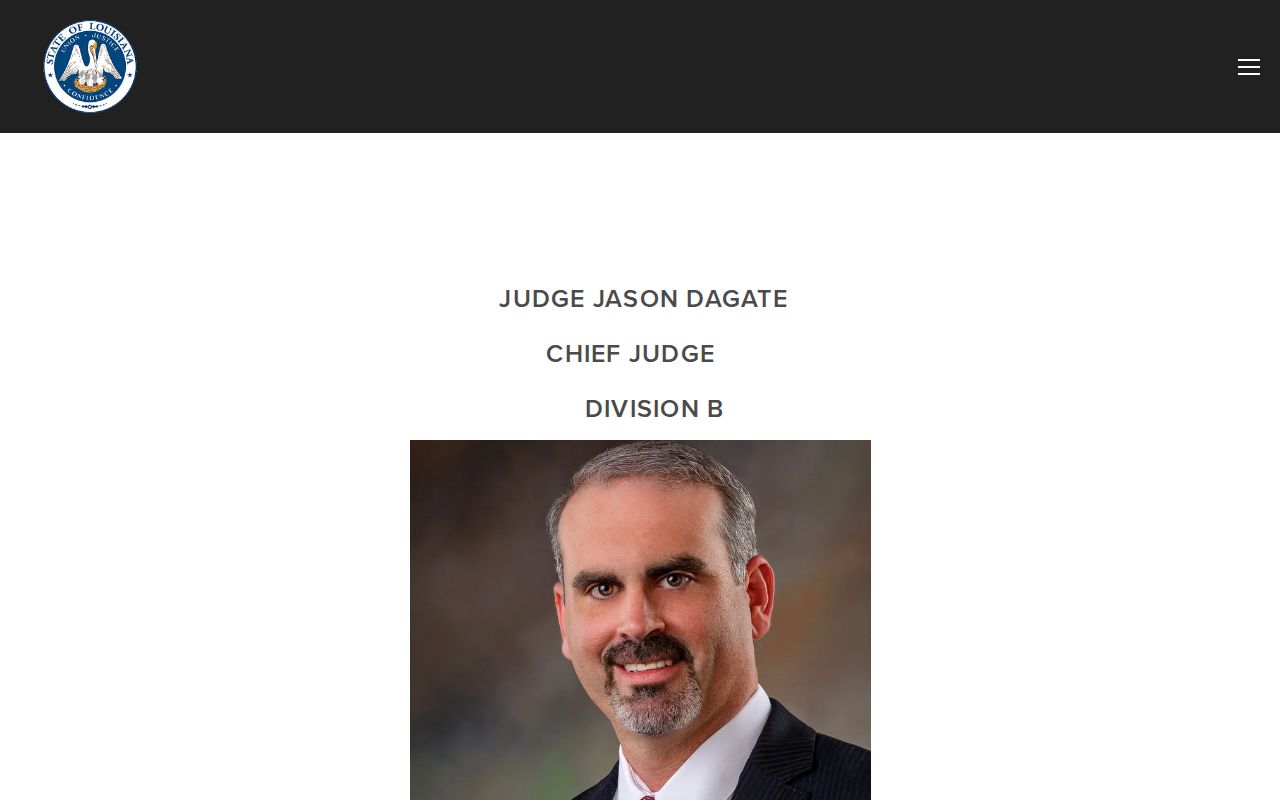
Division contact pages offer a practical route. They connect a Terrebonne Parish court date to the judicial office that fixes its time and place. The Division A contact source documents another assigned-division court-date channel.
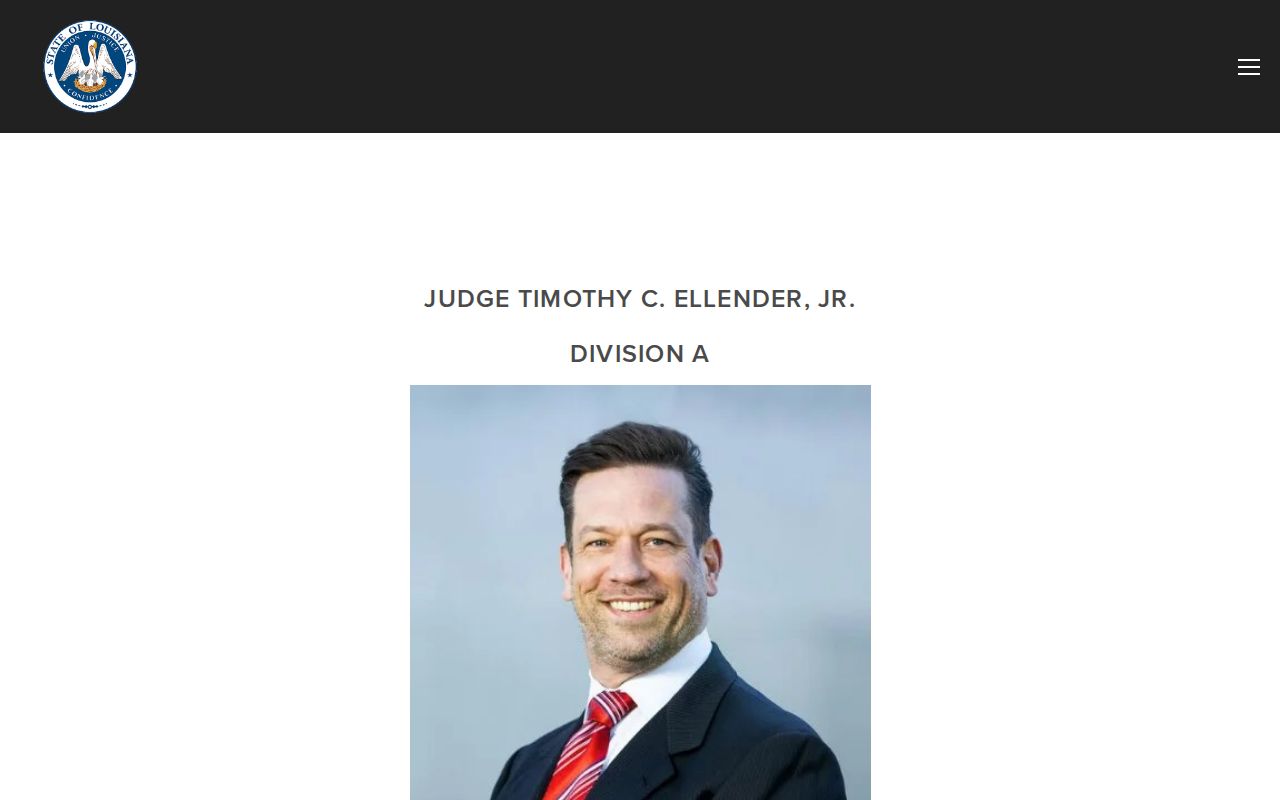
Check the right division first. That keeps a Terrebonne Parish court date inquiry away from a court office that does not control the setting.
Finding Your Court Date
Start a Terrebonne Parish court date search with what you already hold. Pull out a notice, citation, or order. A last minute entry or attorney communication also works. Any of these names the court, division, and case number. Cott eSearch may show a docketed setting. That works once the case sits in the parish clerk’s system and you have the needed account. Try the Cott Certified Dates utility first, since its coverage range and delayed through-date can explain why a setting has not appeared. Remember, a portal date is only one channel.
- Identify the venue, division, case number, and case caption from the latest court paper or minute.
- Check the subscribed Cott docket or minute index for the newest setting where the case is a 32nd JDC matter.
- For civil cases, contact Civil Records or use its printed Civil Court calendar route; for criminal cases, contact Criminal Records, Criminal Processing, or the assigned minute-clerk channel.
- Call the assigned division judicial assistant and ask whether the date is still current, cancelled, or reset.
- For Houma City Court, try its calendar route if it is live, then call 985-868-4232 or 985-868-4361 for misdemeanor and traffic matters; an attorney can also confirm a party’s setting.
The clerk main number is 985-868-5660. The Minute Clerk fax is 985-868-5143. A courthouse posting, docket call, or attorney communication adds another check, but let the court or clerk resolve any conflict between channels.
Terrebonne Parish Court Calendar Sources
Calendar work in the parish is split by case type. Civil Records prints the Civil Court calendar and pulls hearing and trial files. Criminal Processing handles criminal proceeding minutes, dockets, and calendars. Send any Terrebonne Parish court calendar inquiry with the case type, court, division, and case number. That way it lands on the right desk. The clerk’s records route still works. It helps when the online docket lags, though the court’s FAQ still gives scheduling authority to the individual judge’s office.
A city case needs a city source. Houma City Court posts no online calendar. Its own docket stays off the web, so call or visit the city court rather than shifting the question to the 32nd JDC clerk. City tickets and misdemeanors sit on a separate court calendar. The Division D contact source documents another assigned-division channel used to confirm a local court calendar setting.
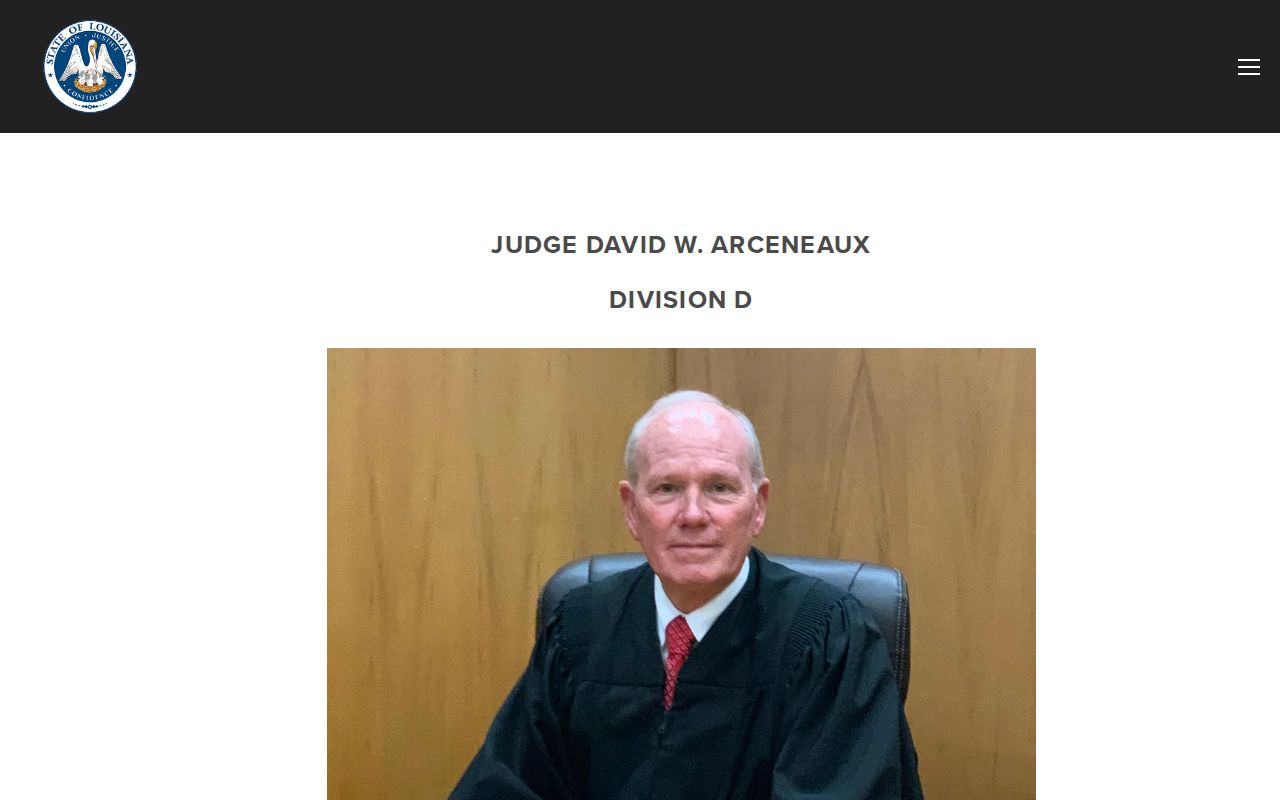
The Division D contact source gives another court-specific path. Use it to confirm a Terrebonne Parish court calendar setting once the clerk identifies the file.
How to Read a Court Setting
Read a Terrebonne Parish court setting as a group of related fields. Do not treat it as a bare date. The local model turns on several fields. These include the division and judge, assigned judicial assistant, case number, caption, setting date and time, location or approved video route, and setting type. An entry may also carry a party or attorney notice. A status may read current, cancelled, or reset. A clerk-file or presentment note can appear too. Watch one trap. A timestamp in an online index is not always the actual court date.
| Date | The calendar date the division fixed for the listed proceeding; compare it with the newest docket or minute entry. |
|---|---|
| Time | The scheduled time for the matter or docket call; confirm it with the division if timing is important. |
| Courtroom or location | The courtroom, courthouse location, or court-approved Zoom route noted for the setting. |
| Division and judge | The assigned 32nd JDC division and judicial office responsible for the setting. |
| Setting type | Hearing, status conference, pretrial conference, motion, rule, trial, cancellation, reset, or another local event label. |
The labels differ. A status conference is a case-management or progress check. A pretrial conference is a pretrial matter set through the division, and a motion is a hearing on a filed motion or exception. These labels do not all carry the same effect or attendance requirement.
Terrebonne Parish Court Date Confirmations
An online index can make a Terrebonne Parish court date look solid. Often it is not. The Cott Certified Dates page carries an index through-date that trails the actual filings. No county-wide daily-calendar form exists. So work the docket from the inside out. Find the newest portal or minute event, note the division, then call that judicial assistant. Civil Records answers civil calendar questions. Criminal Records or Criminal Processing handles the criminal calendar side. Whoever answers can say whether a setting went forward, was cancelled, or was reset. A phone call beats a stale index every time.
Houma City Court runs its own route for a city case. Its nCourt payment screen takes a citation number. It offers no party-name search, status filter, date range, or court selector. Treat that payment screen as a payment tool, not a public calendar. Use the citation plus the court itself. The court number is 985-868-4232; the traffic and misdemeanor line is 985-868-4361.
Best confirmation channel. The clerk’s index can locate a Terrebonne Parish court date, but the assigned 32nd JDC division fixes and confirms the hearing’s time and place.
Continuances, Resets, and Cancellations
A continuance or reset simply moves a hearing to a new date. Terrebonne Parish spells out the procedure in its court FAQ. To cancel, fax a letter to chambers and call the Minute Clerk. A reset with all parties waiving notice and no opposition just needs that stated in the letter. Anything else requires a formal motion to reset. Follow the procedure your division requires. A phone message alone never changes a setting.
Older entries can linger after an event moves. Pull the newest minute or docket entry first, then contact chambers. A date looks missing or doubled? Compare division, setting type, date, and status before calling. A cancellation is not a disposition, and a reset does not close a case.
Note: When a setting moves, keep the court's confirmation and the new date. An older online entry may stay in the chronological record.
Terrebonne Parish Court Date Remote Hearings
Remote attendance appears in the 32nd JDC scheduling instructions when a judge allows it. The FAQ's route is the home-page Attend Court Online link. Install Zoom there, and test your device and connection. Then sign in with your full name. Then wait in the virtual waiting room until admitted. The court warns that speeds below 15 to 20 Mbps may cause problems. Breakout rooms stay private, unrecorded, and unmonitored. These rules govern court-approved remote hearings only, not any date you find in a docket search.
A video-capable Terrebonne Parish court date still needs its division and case. It also needs the court-provided password or instructions. Never substitute a general meeting link for the court's supplied route. Hit a technical problem? Rejoin or refresh before calling the court. Contact the division promptly when any court-specific instruction is unclear. The Division C contact and video-conference source documents a division page. That page carries a Join Video Conference route.
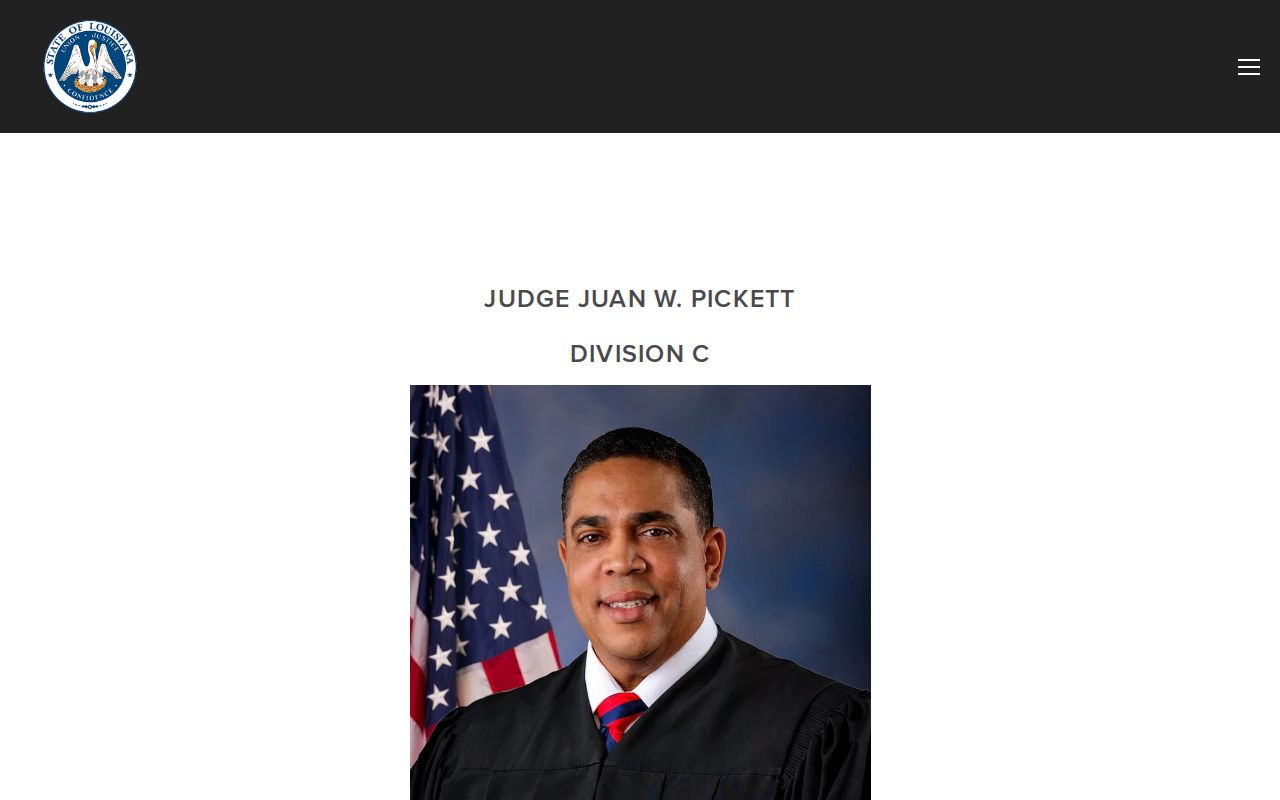
The division video source ties a remote hearing to the Terrebonne Parish court date and the court office that authorized it.
If You Miss a Court Setting
Move fast after missing a Terrebonne Parish court setting. Start with the basics: court, division, case number, and setting type. Call the assigned division or judicial assistant. Ask what the docket or minute shows. You need to know whether a new setting, appearance, motion, or attorney action is required. Civil Records can help identify a civil file and calendar route. For a criminal matter, Criminal Records or Criminal Processing can locate the record. The division still controls the court's response. A Houma City Court matter goes to that court instead.
Missed a setting? A missed criminal court date can result in a capias, bench-warrant, bond, or forfeiture-related docket event depending on the case and court order.
Call the responsible court promptly, keep the case number available, and do not assume an online calendar shows the current consequence or next appearance.
Consult a licensed attorney about a missed Terrebonne Parish court setting before appearing when the case or court instruction requires legal advice.
Refreshing a portal is not confirmation. The local calendar assigns each setting to its division, and that division is the source for the next court instruction.
Terrebonne Parish Court Calendar Limits
No free unified statewide trial docket covers every Terrebonne Parish court date. eClerksLA is a gateway to participating parish indexes. It is not a full 32nd JDC viewer. The Supreme Court e-filing system serves attorneys only. Cott eSearch is the parish clerk's paid layer. With no public county-wide daily search form, the clerk, division contacts, Civil Records, Criminal Processing, and Houma City Court remain essential.
A record can sit outside the Cott index's coverage, be newly filed, incomplete, unverified, juvenile, sealed, expunged, or held by another venue. Narrow the question before searching a Terrebonne Parish court calendar again: which court, division, case number, category, latest minute, and access channel apply. The parish case lookup page separates county and statewide search channels. It covers a related docket route. Confirm every important setting with the originating court or clerk.